Trezor supported coins, tokens, and networks
Search the asset before you transfer. Trezor support can depend on the coin, network, device model, Trezor Suite availability, and whether a compatible wallet is needed for that asset.
























































































































































































































Coin support depends on both the asset and the network
A coin name alone is not enough to confirm compatibility. Stablecoins, wrapped tokens, and EVM assets may exist on several networks, and each network can have a different management path.
- Check the token name, ticker, and network before transferring assets.
- Confirm whether the asset appears directly in Trezor Suite or requires a compatible wallet.
- Use a small test transfer when moving assets from an exchange or another wallet.

Trezor Suite and compatible wallets serve different roles
Trezor Suite is the primary app for everyday account viewing, receiving, sending, and device management. Some assets or networks may be handled through a compatible wallet while the Trezor device remains part of the confirmation workflow.
- Trezor Suite support means the asset can be managed in the main app experience.
- Compatible wallet support means the asset may need another wallet interface.
- Device confirmation remains the important step for actions that require signing.
Supported asset questions,
answered clearly
Which coins does Trezor support?
Trezor supports many major coins and tokens, including Bitcoin, Ethereum, stablecoins, and assets across several networks. Exact support depends on the device model, firmware, Trezor Suite, and whether a compatible wallet is required.
Can I manage every supported coin directly in Trezor Suite?
No. Some assets are available directly in Trezor Suite, while others rely on compatible wallet applications. The table separates wallet app information so users can understand the expected management path before transferring funds.
Why does USDT or USDC appear on more than one network?
Stablecoins can exist on multiple networks. The asset name may look the same, but the network determines the address format, transfer path, wallet interface, and whether the asset is visible in the expected account.
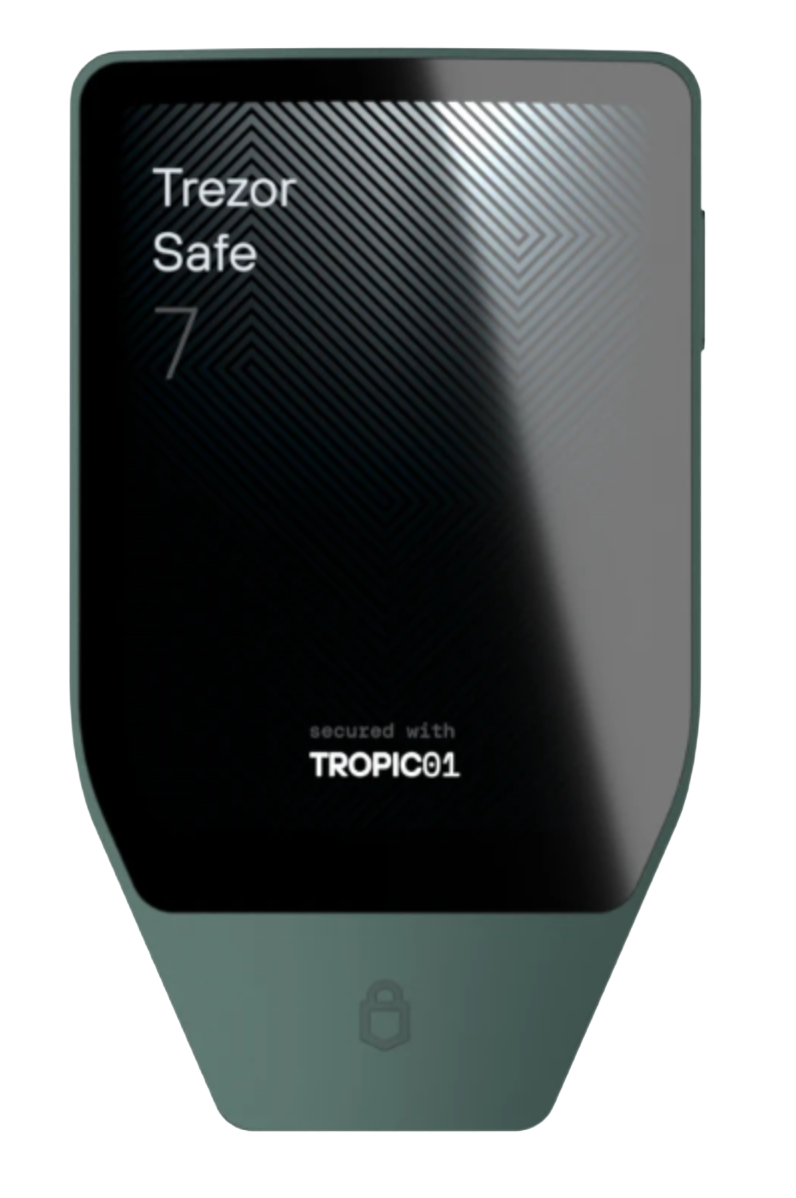
Do Safe 3, Safe 5, and Safe 7 support the same assets?
Many assets work across the main Trezor models, but some capabilities can depend on firmware, app support, network type, or the wallet used with the device. Always check the asset row and the wallet workflow before sending.
What should I check before moving crypto from an exchange to Trezor?
Confirm the coin, choose the matching network, create the receiving account in Trezor Suite or a compatible wallet, verify the receiving address, and start with a small test transfer.
Check asset support before you move funds
Use the asset directory together with Trezor Suite, the device model, and the intended network before sending crypto to a hardware wallet account.