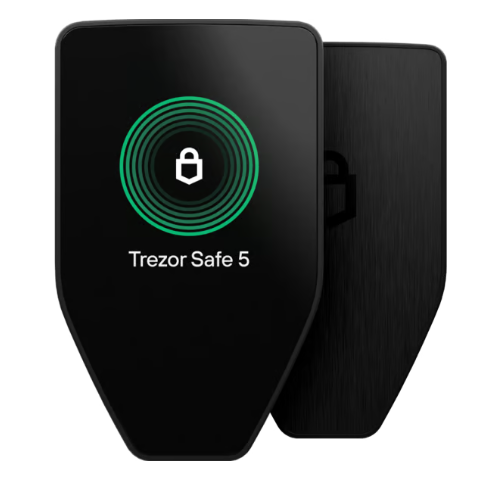
Balanced model
Trezor Safe 5
Touchscreen review, everyday account management, and Trezor Suite pairing in one device workflow.
Trezor Safe 3, Safe 5, and Safe 7 are built for different self-custody needs. Compare the devices by daily use, screen experience, recovery backup, Trezor Suite pairing, and the way you plan to manage Bitcoin, Ethereum, stablecoins, and multi-chain assets.
Touchscreen review, everyday account management, and Trezor Suite pairing in one device workflow.
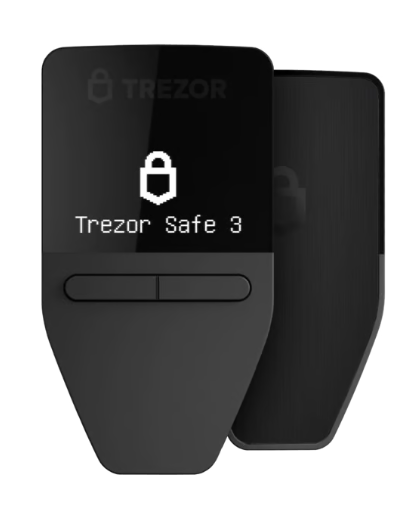
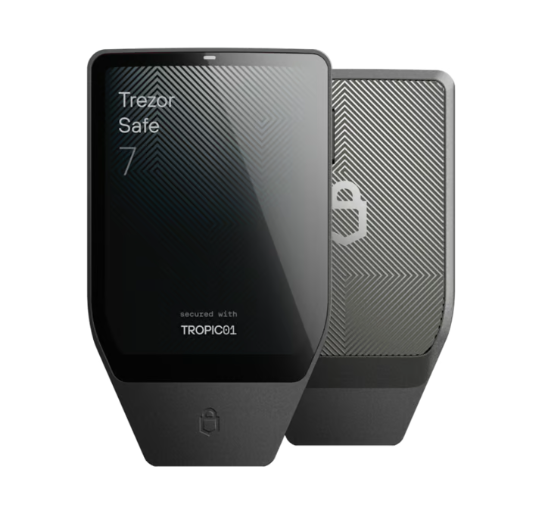
Every Trezor hardware wallet is part of the same self-custody model: the device protects wallet access, Trezor Suite provides account management, and the recovery backup supports restoration on a compatible device.
Trezor Safe 3 is suited to users who want a straightforward way to start hardware wallet self-custody without adding unnecessary complexity.
Trezor Safe 5 adds a touchscreen experience for users who expect to review accounts, confirm transactions, and manage multiple assets more regularly.
Trezor Safe 7 is positioned for users who prefer a larger screen, more flexible connectivity, and a higher-end device experience for long-term self-custody.
The right Trezor model depends on how often you confirm transactions, how many assets you manage, and whether you want a minimal device or a more advanced hardware wallet setup.
A product comparison is most useful when it connects device features to real wallet behavior. Before choosing a model, consider whether the device will be used for long-term storage, frequent transaction review, multi-account organization, or learning self-custody for the first time.
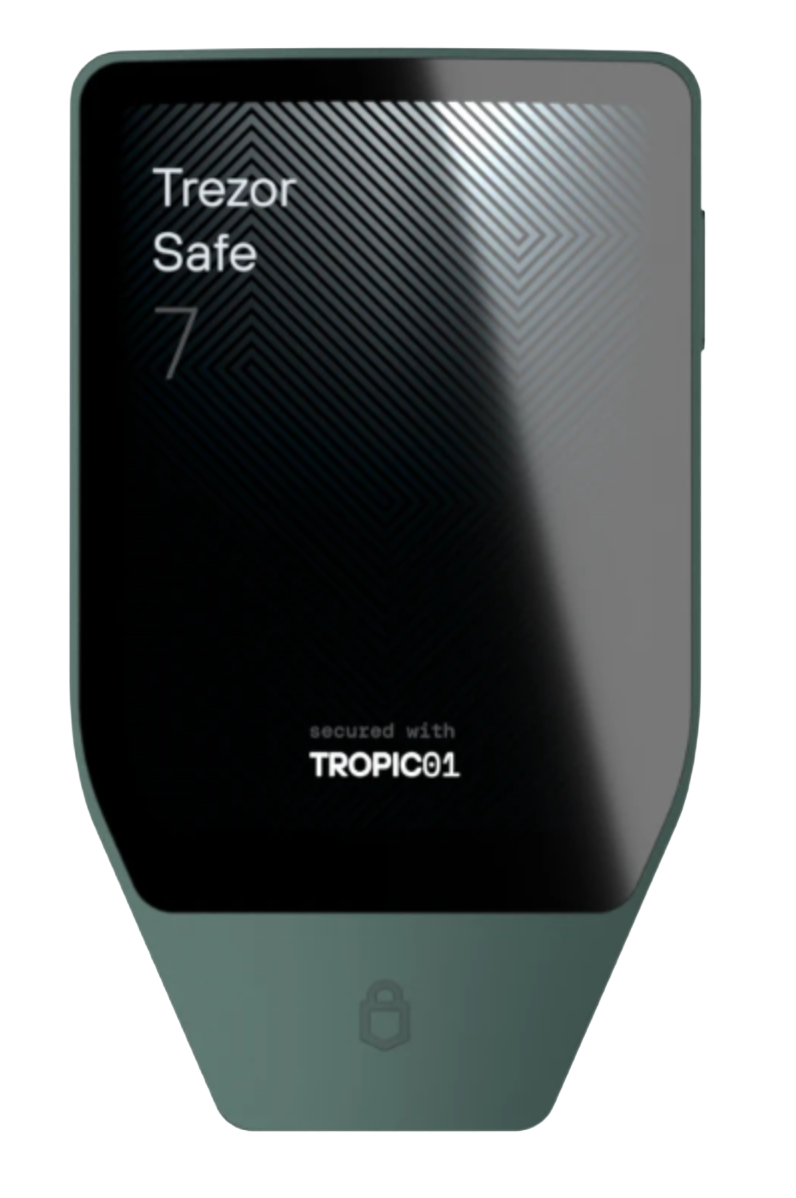

Trezor Suite is where users set up a device, add accounts, view balances, receive assets, send transactions, and manage supported coins. The hardware wallet handles confirmation, while the app provides the everyday interface.
A hardware wallet purchase is not only a model choice. It also includes the setup path, recovery process, supported asset list, and the way the device will be used with Trezor Suite.
Choose Safe 3 for a simple start, Safe 5 for regular account management, or Safe 7 when a larger display and more advanced device experience matter.
Check the coin, network, device model, and management method before transferring assets. The same token name may exist on more than one network.
Set up the recovery backup before moving assets. It is the method used to restore wallet access if the device is replaced, damaged, or unavailable.
Choose Safe 3 if you want a simple first hardware wallet, Safe 5 if you want a touchscreen device for daily use, and Safe 7 if you want a larger screen and more advanced device experience.
Yes. Trezor Suite is the main app for setting up the device, adding accounts, viewing balances, receiving assets, sending transactions, and managing supported coins.
No. Model choice is also about screen size, controls, device interaction, recovery workflow, and how often you expect to review transactions on the hardware wallet.
Trezor supports many major coins and tokens, including Bitcoin and Ethereum-based assets. Always check the asset, network, device model, and management method before transferring funds.
Install Trezor Suite, initialize the device, complete the recovery backup, add the receiving account, verify the address on the hardware wallet, and start with a small test transfer.
Compare the Safe series, open Trezor Suite for setup and account management, and check the supported coin list before moving assets into a hardware wallet workflow.